
Google Business Profile (GBP) accounts for 36% of local Map Pack ranking signals. Follow this playbook to optimize your profile for maximum phone call conversions.
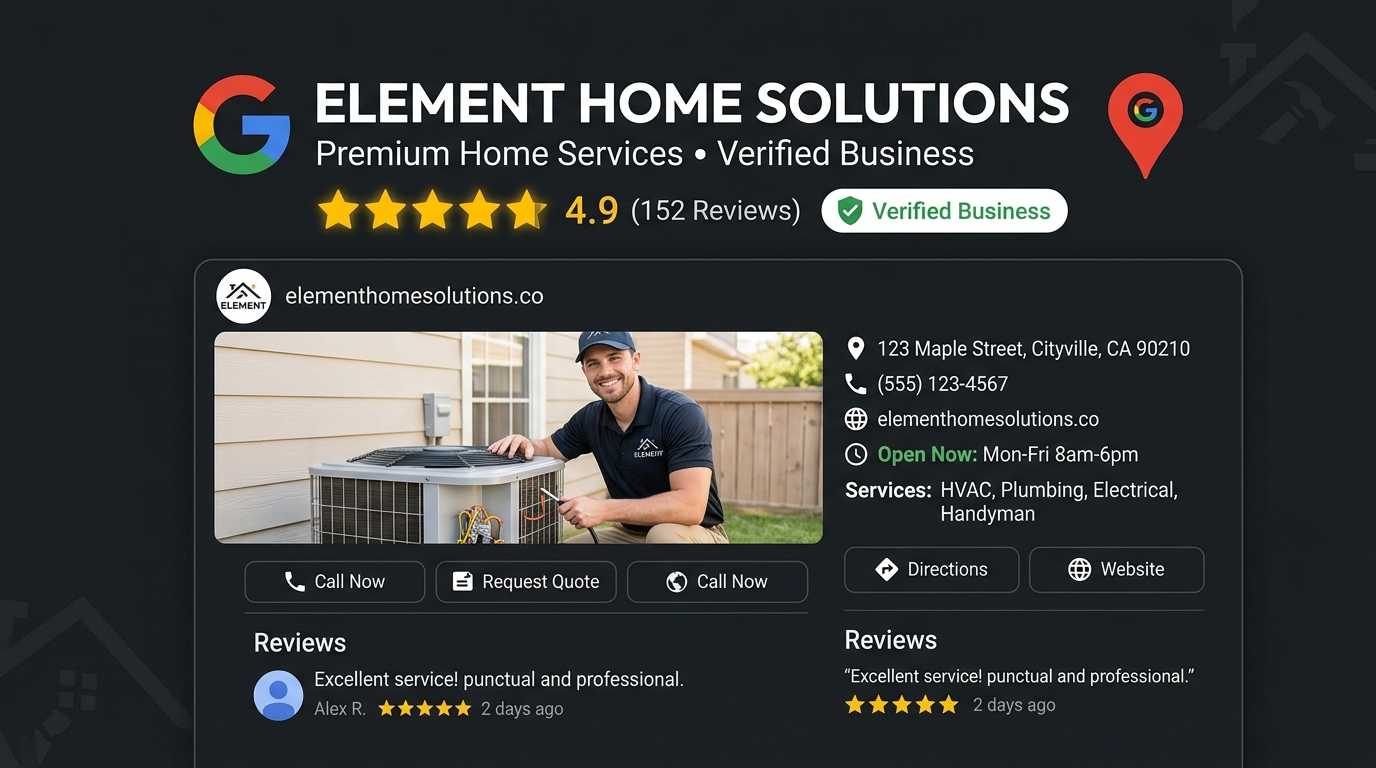
Over 60% of local home service leads never visit a contractor's website—they tap to call directly from the business listing in the Google Map Pack. If your Google Business Profile is unoptimized or incomplete, you are losing high-ticket jobs every single day.
🟢 Review Benchmark Data
According to BrightLocal benchmarks, Google Business Profiles with 100+ verified customer reviews generate 54% more phone calls and 126% more driving direction requests than profiles with under 20 reviews.
Want this done for your business instead of doing it yourself?
Book a free strategy audit meeting and our team will build this exact local search engine for your business.
Book Free Strategy Audit MeetingStep 1: Selecting Your Primary & Secondary Categories
Your Primary Category carries the heaviest weight in Google's map ranking algorithm. You must select the category that directly reflects your core high-margin revenue trade.
| Trade | Recommended Primary Category | Essential Secondary Categories |
|---|---|---|
| Heating & Air | HVAC Contractor | Air Conditioning Repair Service, Heating Contractor, Furnace Repair Service |
| Plumbing | Plumber | Drain Cleaning Service, Water Heater Repair Service, Emergency Plumbing Service |
| Roofing | Roofing Contractor | Gutter Cleaning Service, Waterproofing Service, Commercial Roofing Contractor |
| Electrical | Electrician | Electrical Installation Service, Lighting Contractor, Emergency Electrician |
🔴 Business Name Keyword Stuffing Risk
Adding keywords to your official GBP business name (e.g., changing "Dallas Plumbing Co" to "Dallas Plumbing Co - Best Emergency Plumber Dallas") will trigger competitor spam edits and suspension from Google support team.
Step 2: Real Photo Upload Strategy
Stop using generic stock photography. Upload high-resolution photos of branded trucks, uniformed technicians, licensed tools, and completed local job sites. Google's Vision AI categorizes these images to verify real-world business operations.
Step 3: Automated Review Velocity Engine
Set up an automated SMS post-service workflow. When a technician finishes a job in your Field Management CRM (ServiceTitan, Housecall Pro, Jobber), an instant text message should send the customer directly to your GBP review link.
Frequently Asked Questions
We recommend posting 1 to 2 times per week highlighting recent completed projects, seasonal promotions, or customer testimonials.
Common causes include changing your business name to include keywords, using a P.O. Box, or having inconsistent NAP details online.
You can rank in adjacent service areas if your GBP service area is configured properly and you build strong localized landing pages on your website.
Conclusion: Scaling Your Local Authority
Your Google Business Profile is your highest-converting sales channel. Treat it like an active asset: optimize your categories, maintain steady review velocity, post weekly project updates, and protect your profile against guideline suspensions.

Key Takeaways & Execution Summary
Focus on Map Pack Proximity & Prominence
Local SEO performance is driven by Google Business Profile optimization, review velocity, and geo-targeted citations.
Deploy Structured JSON-LD Schema
Annotate your NAP, services, and geographic coverage using structured LocalBusiness and Service schema graphs.
Build High-Authority Local Links
Earn real local press, sponsorship mentions, and regional chamber links rather than generic web 2.0 spam.
Track Rank Heatmaps Monthly
Utilize 13x13 mile geo-grid heatmaps to measure local search visibility street-by-street across your primary service area.